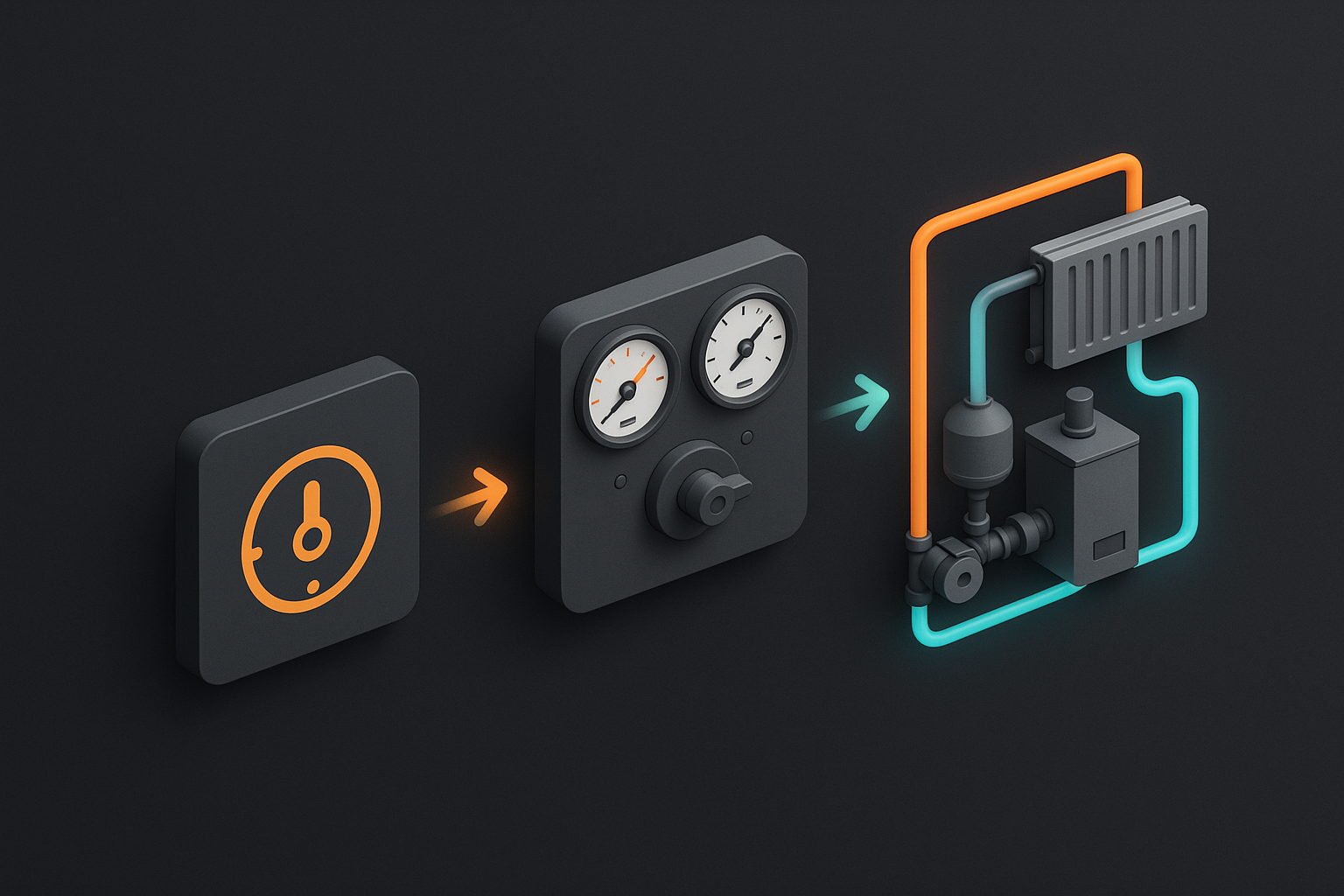
- Open a mode. Flow and Pipe are free. Expansion tank, Circulator, and Radiator unlock with one-time Pro (each Pro mode also offers one free first reveal).
- Enter known values. Load and ΔT for flow; pipe material and flow for velocity; tank volume, temperatures, and pressures for expansion.
- Read the live result. Switch US and metric without retyping the job.
- Optional Pro save. Export a one-page PDF or keep the job in projects when you unlock Pro.
For qualified installers. Always verify results against local codes and manufacturer data.
Next: use cases · which mode first?